
Skip to content

    Type Effects Vault

    Type Effects Vault
    Creative Skillsets

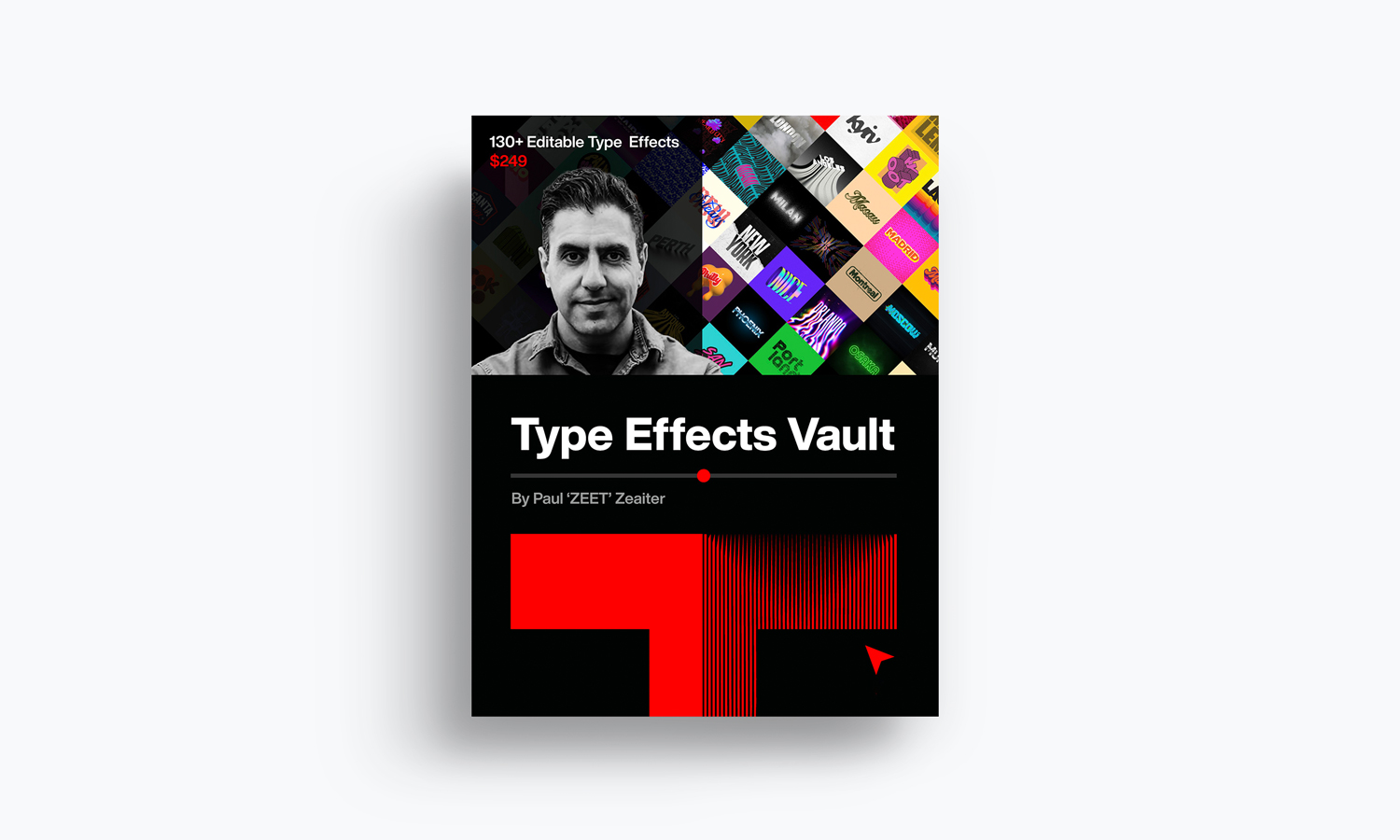
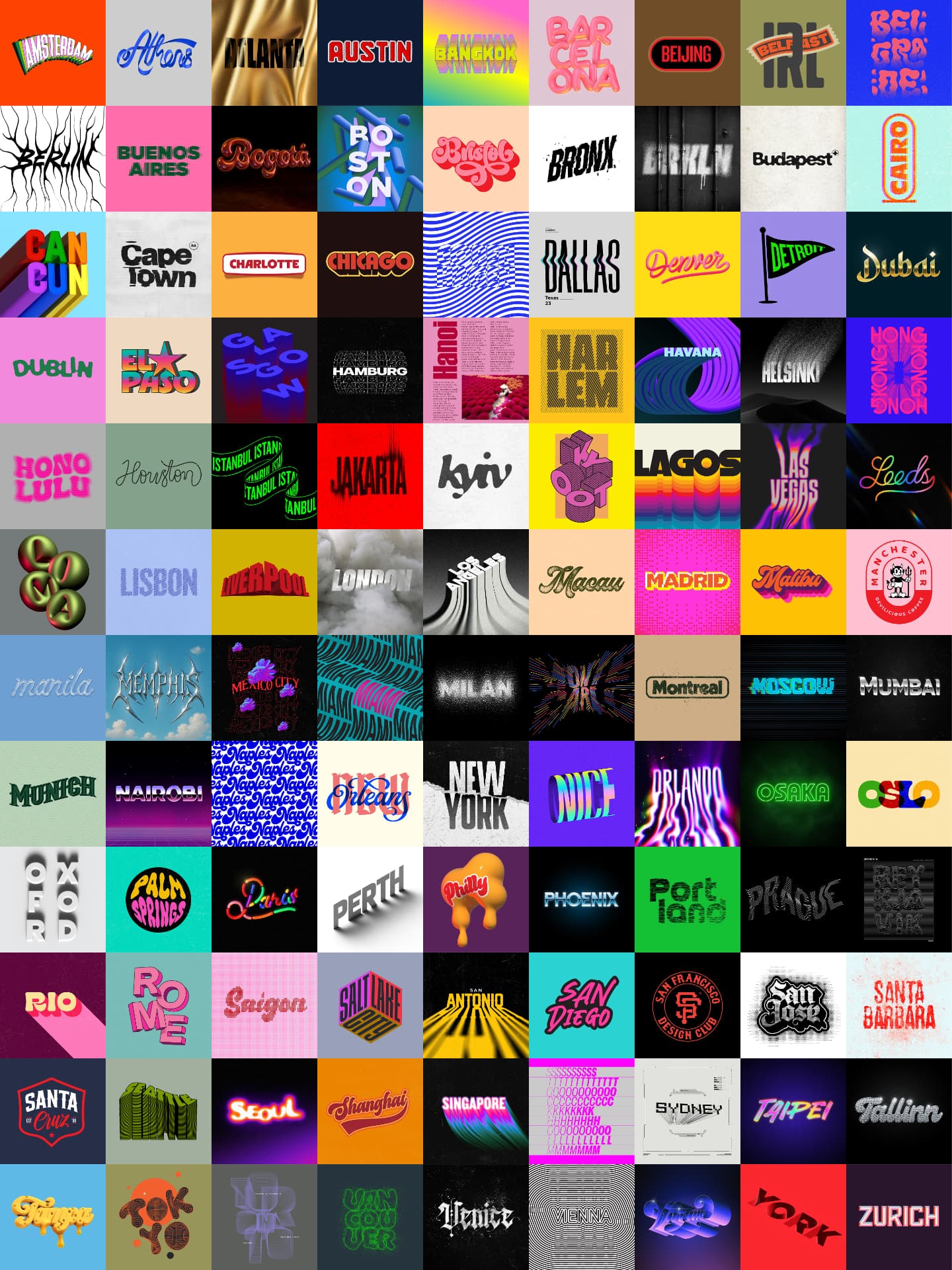
    130+ editable type effects with the source files and video tutorials for each one, from the designer behind the official key art for The Batman, Star Wars, and Dune.

    Paul ’ZEET’ ZeaiterAuthor: Paul ’ZEET’ Zeaiter
    Get the Vault — $249

    Black Friday: 25% off. Use code BF26 at checkout.

    Instant access. All 130+ effects from day one. Built for Adobe Illustrator and Photoshop

    The files behind the look

    The files behind the look

    Every designer has saved a screenshot of type they wished they could pull apart. A chrome logo from a movie poster. A warped wordmark from an album cover. A glitch treatment that looks simple until you spend four hours failing to match it. The Type Effects Vault is that screenshot folder, except every effect opens. Inside are 130+ type effects built by Paul ’ZEET’ Zeaiter across 25 years of designing key art for film, gaming, and music. Not recreations of his style. His working files. Each effect comes as a fully editable source file with a short video showing exactly how he built it.

    Who this is for

    You already know your way around Illustrator or Photoshop. What you want is type that looks like it belongs on a poster, a record sleeve, or a merch drop, without burning a day on trial and error. The Vault is built for working designers, freelancers, merch and poster artists, and anyone who bills for design and needs the expensive look on a real deadline. If you use one effect on one paid project, the Vault has covered its own cost.

    Built for real client work

    These are not social media gimmicks. They’re the same workflows ZEET uses on campaigns for major studios, built non-destructively so they survive revisions, rebrands, and last-minute changes. Every file is structured the way a professional file should be, which means the Vault quietly teaches you file craft while you use it.

    What comes in each folder

    What comes in each folder

    Every effect in the Vault is its own complete package. Open any lesson and you’ll find:

    The finished effect. A high-res preview of the final piece, so you know exactly what you’re building before you open a single file.

    A short video of the exact method. ZEET builds the effect on screen so you can see every move. The technique is named right in the file, so you always know what you’re learning: Blends, Warps, Liquify, Glitch, and more.

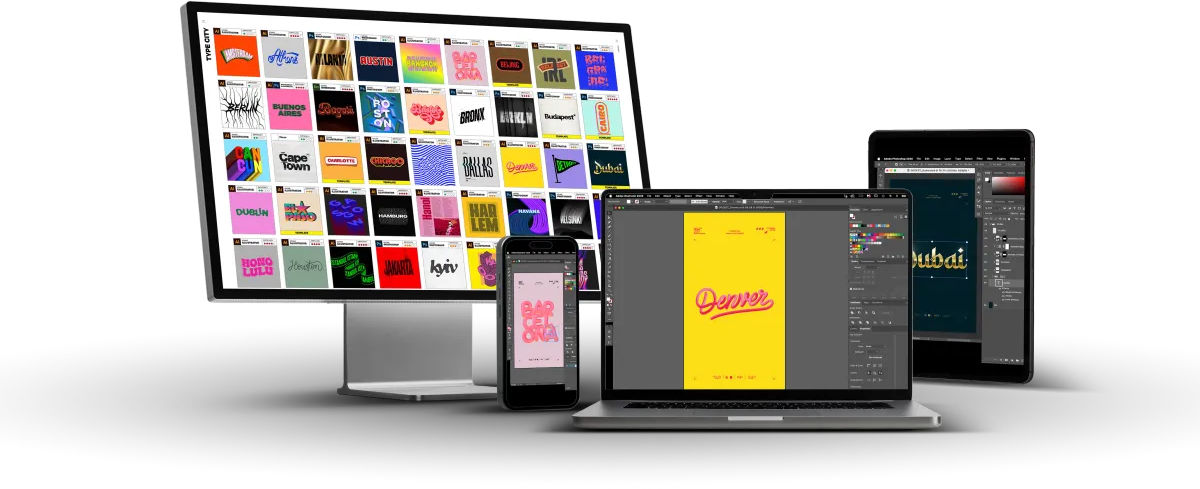
    The source files. This is the part no tutorial gives you. Illustrator effects come as native .ai plus .eps and .svg, so they open in Illustrator, CorelDRAW, Affinity, and beyond. Photoshop effects come as layered, non-destructive .psd, and where an effect uses custom brushes or gradients, the .abr and .grd files are included too. Pull the files apart, swap the type, restyle the colors, scale to any size. They’re yours to work with, on Mac or Windows.

    Written instructions with everything you need to know. Fonts used, install steps for brushes and gradients, and quick tips so you’re designing within minutes of opening the folder.
    Why the source file matters

    A video shows you what someone did. A source file shows you how it actually holds together: the layer order, the effect stack, the settings nobody mentions on camera. When you can open the real file next to the video, the technique sticks. And when a client asks for a revision at 4pm, you’re editing a clean, non-destructive file instead of rebuilding from scratch.

    Can I use these effects in client work?

    Yes. Your license covers personal, portfolio, and client projects. You can modify the assets to fit what a project needs, and you can post the finished designs on social media, your website, and your portfolio.

    Can I sell products made with these effects?

    Yes, up to 500 total units. That cap covers end products combined, digital or physical, so prints, shirts, packaging runs, and digital downloads all count toward the same 500. If a project is going to run bigger than that, reach out before the run and we’ll sort it out with you.

    How many people does one license cover?

    One. A license is a single seat for a single designer, and it can’t be shared across a team, an agency, or multiple brands or organizations. It also isn’t transferable to another person or company. If more than one person needs access, each needs their own license.

    What can’t I do?

    The short version: don’t pass the files along, and don’t sell the assets as assets. You can’t resell, redistribute, sublicense, or share the source files, templates, or tutorials, whole or repackaged. You can’t build the effects into products where the asset itself is the main value, like design packs, templates, or apps. And you can’t repost or share Vault tutorials on social media, YouTube, or anywhere else.

    Do my clients need their own license?

    Your license covers you delivering finished designs to your clients, within the 500-unit cap. What it doesn’t do is transfer to them. If your client’s own team wants to work with the source files or use the effects on their other projects, they’ll need their own license.

    Are fonts and stock images covered?

    No. Any fonts or stock images shown in the effects, mockups, or tutorials are there for demonstration only. They aren’t included and aren’t covered by your license, so you’ll need to license them separately from their copyright holders before using them in commercial or client work.

    What software do I need?

    You’ll need your own Adobe Illustrator for the vector effects and your own Adobe Photoshop for the raster effects, on Mac or Windows. To be clear: the Vault is a collection of design files and videos only. It does not include Adobe software, a Creative Cloud subscription, or any other software or cloud service, and it won’t reduce or replace what you already pay Adobe. If you don’t currently have Illustrator or Photoshop, you’ll need to license them separately from Adobe before you can open the source files. The vector effects also include .eps and .svg versions, which open in CorelDRAW, Affinity, and other design apps if that’s what you work in.

    Are fonts included?

    No. Fonts shown in the effects and tutorials are for demonstration only and need to be licensed separately from their foundries. The instructions in each effect modules tell you which font was used so you can license and install it if you want to match the original exactly. Plenty of effects work with any type you drop in, since the effect is the treatment, not the letters.

    Is this a course?

    Not in the traditional sense. There’s no curriculum to sit through. It’s a library of 130+ working files, each with a short video showing the exact technique. Most people use it two ways: grab an effect when a project needs it, or work through techniques one by one to build speed.

    How do I get the files?

    Your purchase unlocks the Vault inside our Circle.so platform, with all 130+ effects available from day one. Each effect lives in its own folder with the preview, the video, the notes, and the source files, and you grab the files for whichever effect your project calls for. The Vault stays organized in one place, so you’re never digging through a giant download on your hard drive.

    Is this a subscription?

    No. The Vault is a complete, fixed collection. You pay once, you get all 130+ effects at the same time.

    What’s the refund policy?

    Because you get instant access to every source file the moment you purchase, all sales are final. If you have questions about whether the Vault fits your work before you buy, reach out and we’ll give you a straight answer.

    I’m still learning. Is this too advanced?

    If you can open Illustrator or Photoshop and follow along, you can use the Vault. The videos are short and specific, and the source files let you see exactly how everything is built. You’ll grow into the more layered techniques as you go.

    I’m experienced. Is this too basic?

    The files come from working campaigns for major studios. Experienced designers tend to get the most from them, because they can see the file craft, the shortcuts, and the non-destructive structure and fold them straight into their own workflow.

    Get the Vault — $249

    Black Friday: 25% off. Use code BF26 at checkout.

    Instant access. All 130+ effects from day one. Built for Adobe Illustrator and Photoshop

    Paul ’ZEET’ Zeaiter

    Paul ’ZEET’ Zeaiter

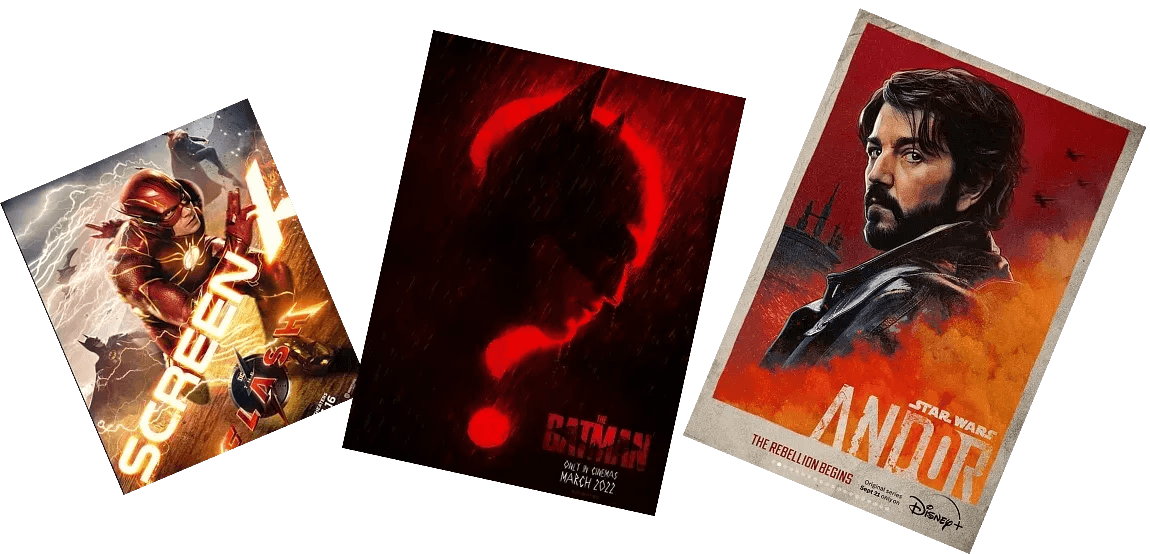
    Paul ’ZEET’ Zeaiter is a multi award-winning international Art Director and Digital Artist with over 25 years in the design industry. He has designed official movie posters for The Batman, Star Wars, Andor, Spider-Man, Godzilla, Dune, Pirates of the Caribbean, and Ant-Man, along with game covers for Star Wars, WWE2K, and Injustice.

    His career spans music, film, gaming, advertising, packaging, and merchandise, with campaign work for Disney, Marvel, Pixar, Lucasfilm, DC, Warner Bros., HBO, Paramount, Universal, Sony/ATV, EA, 2K, and Snoop Dogg. In music, he created packaging for Snoop Dogg’s G-Series and The Simpsons Movie soundtrack for Hans Zimmer, and led a rebrand of Sony/ATV Music. Along the way he picked up multiple Clio Awards.

    He never studied design. He learned on the job, under tight deadlines, with no roadmap. The Vault is the shortcut he built the hard way: every technique he reaches for when a studio needs type that sells a story at a glance.

    See more of his work at ogzeet.com or @ogzeet everywhere.

    READY TO START

    Real-World Techniques from Award-Winning Projects

    130+ editable effects. Every source file. Every technique on video. Built by the designer studios call when the title has to sell the story.

    Get the Vault — $249

    Instant access. All 130+ effects from day one. Built for Adobe Illustrator and Photoshop

    Type Effects Vault preview