


Skip to content

    Logo Design 01

    Logo Design 01
    creative-skillsets

    Learn the creative process and best practices from design professionals who charge $10k+.

    Chris DoAuthor: Chris Do
    • 6+ Hours of Video Content
    • Logo design principles
    • In-depth assignments
    • Bonus: logo critique & Illustrator shortcuts

    Every designer needs the ability to deliver a good logo.

    Reputation aside, your ability to deliver a good logo is a reflection of your understanding of the fundamentals of logo design. It's what separates you from the amateurs.

    Every designer needs the ability to deliver a good logo.

    And every business needs a good logo.

    A logo is visual shorthand for a brand. Every company, regardless of size or age in the market, needs a logo that will help define their brand and identify who they are to customers.

    It's essential to start with the basics.

    Familiarizing yourself with the fundamentals can make all the difference in getting you a $500 logo design project from a $5,000 one. Are you ready to design better logos?

    Know your craft
    Step 01

    Know your craft

    A great logo is clean, well drawn, optically balanced, scales well, distinct, carefully researched and will withstand the test of time. Chris shares his 23+ years in the business with you as he digs into the details of each type of logo, so you can gain an in-depth understanding of this fundamental skill from research to completion.

    Identify the categories
    Step 02

    Identify the categories

    This course includes 6 jam-packed modules to teach you about letter marks and monograms, monoline, word mark, symbols/icons, combination marks, and emblems/crests. Each logo has specific traits and characteristics, so it’s important to know them all.

    Save time when you design
    Step 03

    Save time when you design

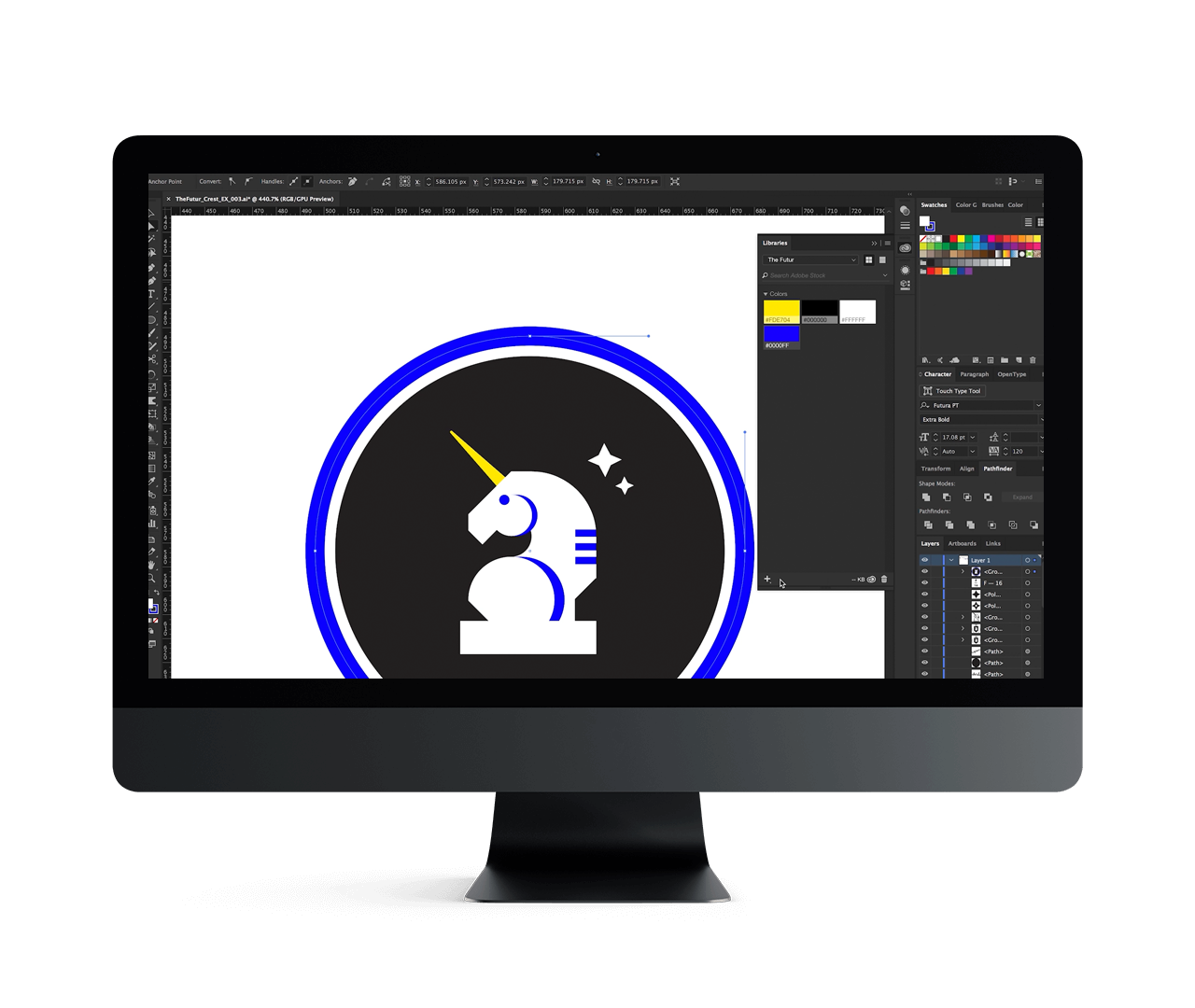
    While we can’t give you a shortcut to designing world-class logos, we can give you some shortcuts in the best tool to build one in: Adobe Illustrator. In the bonus module, Chris will show you his go-to keyboard shortcuts to synthesize your logo design process.

    Learn how to present a logo
    Step 04

    Learn how to present a logo

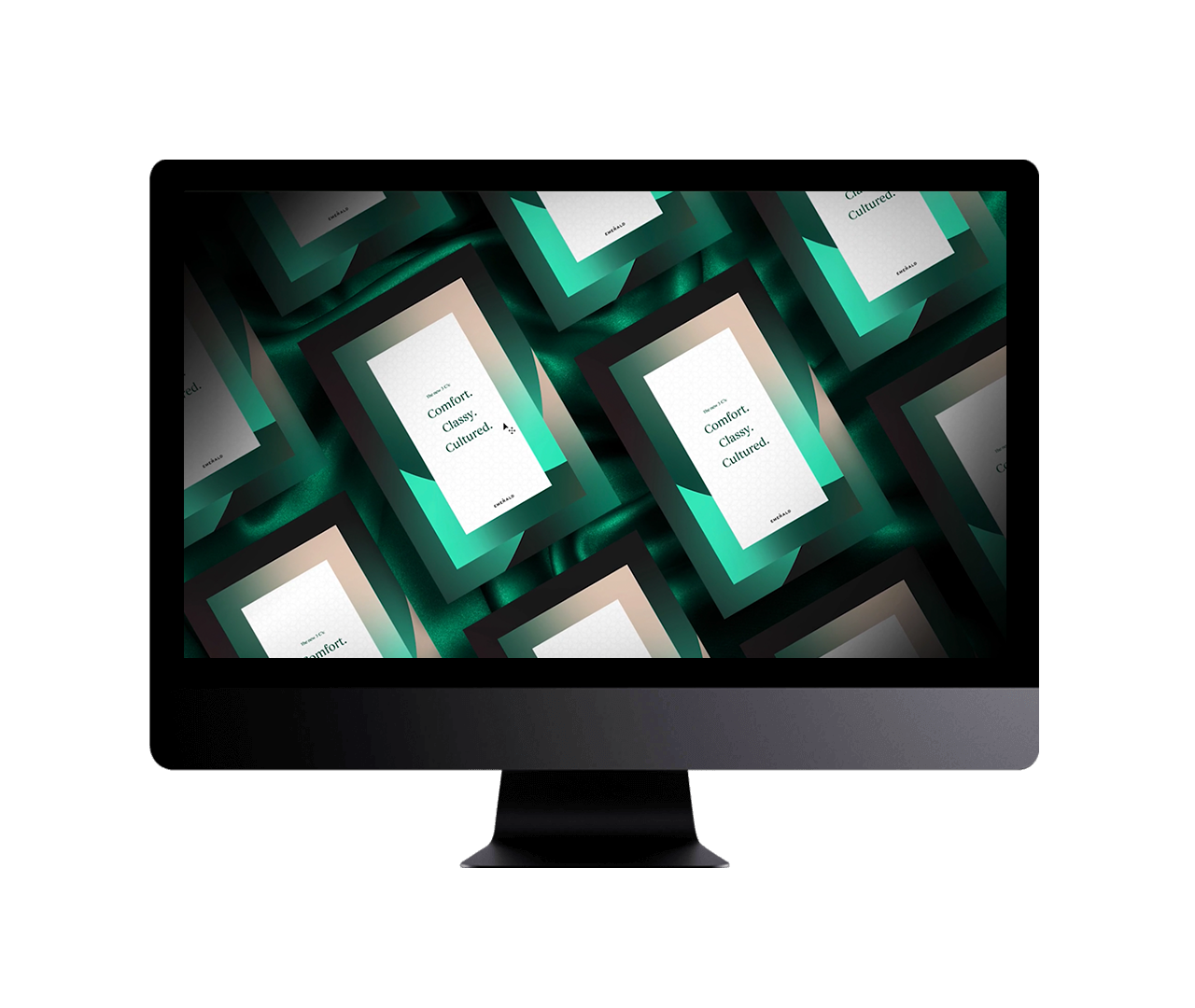
    A sure-fire way to get clients excited about your logo design is to show them their logo out in the real world. Of course, this is nearly impossible to do without their approval. The solution? Mockups. Mockups do a fantastic job of giving your client an idea of how their logo will look in any application.

    Beginner to Intermediate

    Basic knowledge of design software such as Adobe Photoshop or Adobe Illustrator is recommended.

    Logo construction is one of the pillars of good design. Fine-tune your skills and stand out among your peers when you learn the ins and outs of logo design and construction. Know when something isn't working, and how to properly critique and correct a logo:

    • Design Student
    • Freelancer
    • Educator
    • Creative Director
    1

    Learn from the pro

    Follow industry veteran Chris Do as he guides you through every step of the logo construction process.

    2

    Know your logos

    Learn the different characteristics and major classifications of logos to know which type is best for your project.

    3

    Master your craft

    Separate yourself from the amateurs and design logos that are fundamentally correct and on point.

    Chris DoChris Do

    Chris Do is an Emmy award-winning director, designer, strategist, and educator. He's the Founder and CEO of The Futur—an online education platform that teaches the business of design to creative thinkers.

    This is the course I wish I took before I designed my first logo.

    The very first logo I ever designed professionally was not good.

    Back when I was still enrolled in community college, my brother had introduced me to one of his friends who had their own business. They were in need of a logo, and as an aspiring designer at the time, I jumped on the opportunity.

    Knowing only a fraction about logo design, I can very well say I did not do a good job. If you think about all the things that could possibly go wrong with a logo, I probably did half of them in this logo. I chose a horrible typeface, and produced something that was far from memorable.

    Most of us, when we're first starting out, think that the logo should say what it does. That very first logo I made? I thought it needed to explain everything the business did. That's where things became messy.

    It took me years to understand how logos are constructed, why you do what you do to make logos, and what they should communicate. But now I want you to avoid the mistakes I made, and grasp the best practices of logo construction.

    Now in terms of what makes a logo look good, well...that's not so cut-and-dried. But there are some basic rules to logo design. And I'll teach you all of them, plus many more, throughout this course.

    I've taken everything I've learned through a private arts education, working full-time, and servicing clients, and put together this in-depth curriculum for you to master logo design.

    This course gives you the opportunity to look over the shoulders of professional designers and see how they craft beautiful, impactful logos. Step inside their mindset and thinking, and learn how clients can fall in love with the work you do.

    It's my hope that when you are finished with Logo Design 1, you will understand the different types and classifications of logos and create marks that follow the principles of good design.

    Ready to get started?

    READY TO START

    Logo Design 01

    with Chris Do

    $149

    WHAT YOU’LL GET

    • 6+ Hours of Video Content
    • Logo design principles
    • In-depth assignments
    • Bonus: logo critique & Illustrator shortcuts