





Skip to content

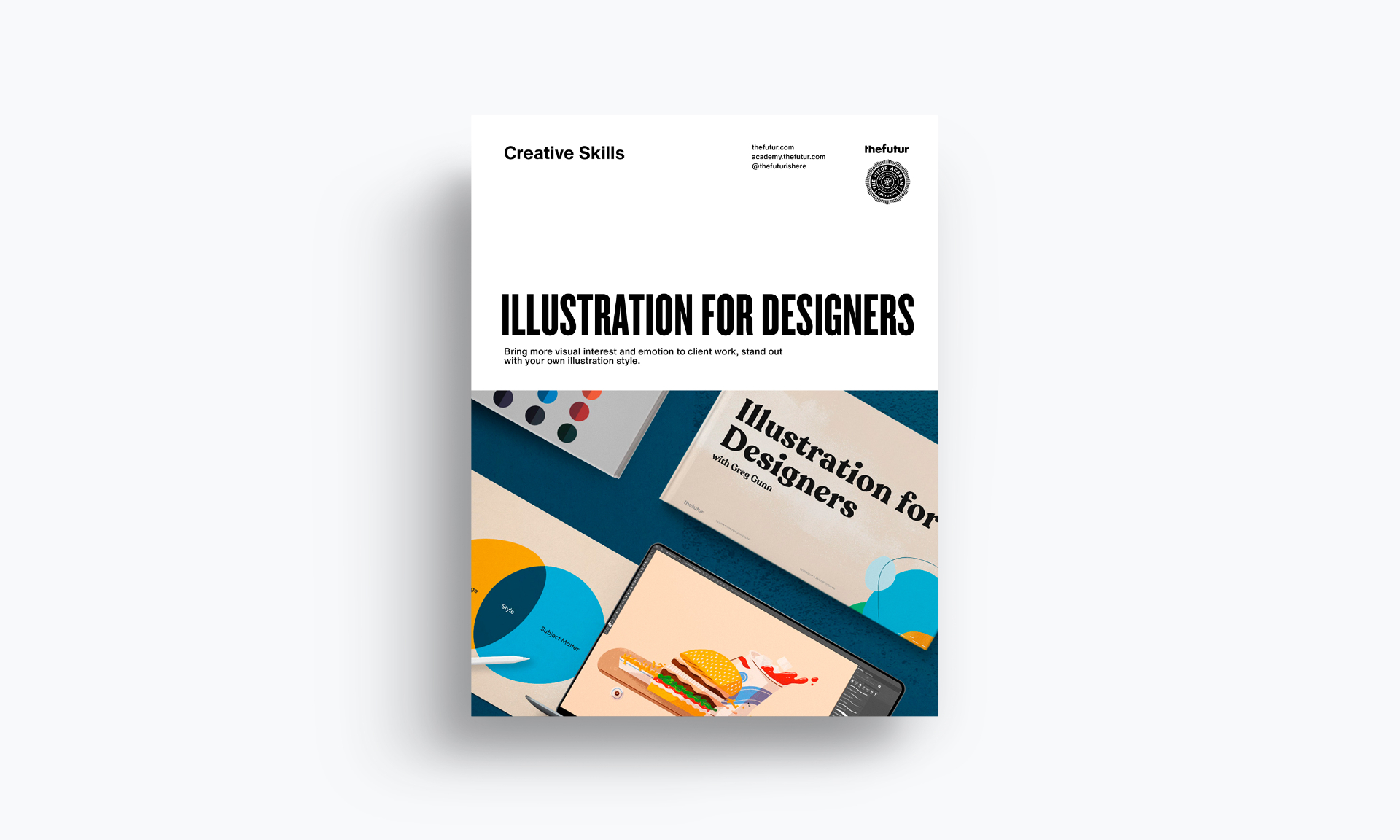
    Illustration for Designers

    Illustration for Designers
    creative-skillsets

    Bring more visual interest and emotion to client work, stand out with your own illustration style.

    Greg GunnAuthor: Greg Gunn
    • 40 video lessons
    • Digital illustration assignment with layered files
    • Color palettes
    • Thumbnail and presentation templates
    • Bonus Videos
    Purchase Now — $149 $111.75

    Black Friday: 25% off. Use code BF26 at checkout.

    Expand your design skill set and develop your own unique illustration style—no prior drawing experience required. Illustration is the perfect solution for designers who want to dip their toes into the world of illustration and junior illustrators looking to sharpen their skills.

    Greg's Work

    Learn to illustrate the types of projects you want to get hired for, expand your portfolio, and attract your ideal clients.

    Greg Gunn

    Greg Gunn — Breakfast BurritoBreakfast Burrito
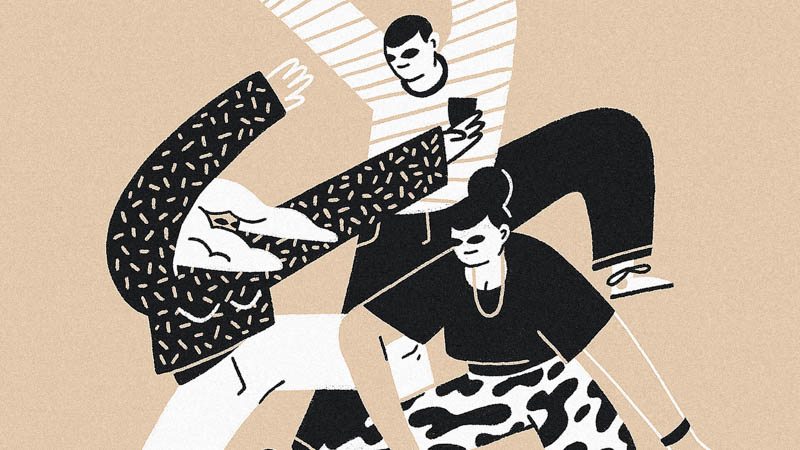
    Greg Gunn — Cold War KidsCold War Kids
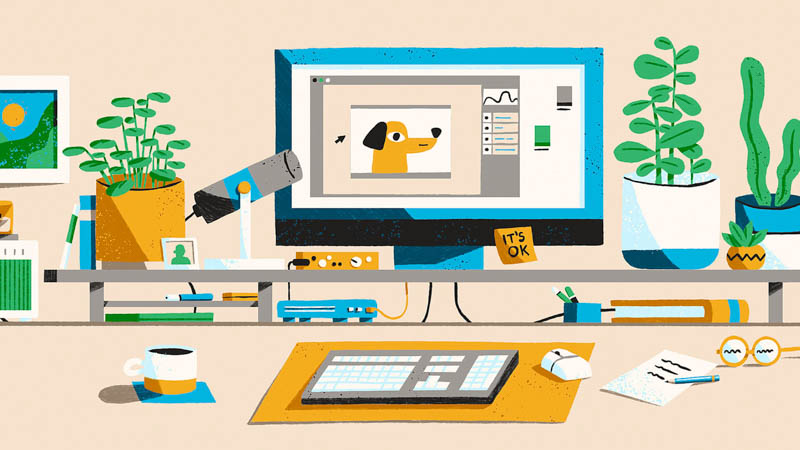
    Greg Gunn — Desk SetupDesk Setup
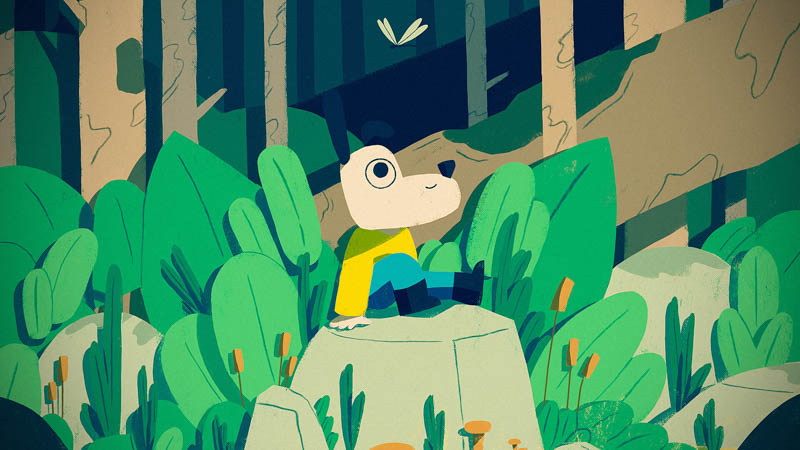
    Greg Gunn — Dog in ForestDog in Forest
    Greg Gunn — Guitar DogGuitar Dog
    Greg Gunn — Morning LightMorning Light
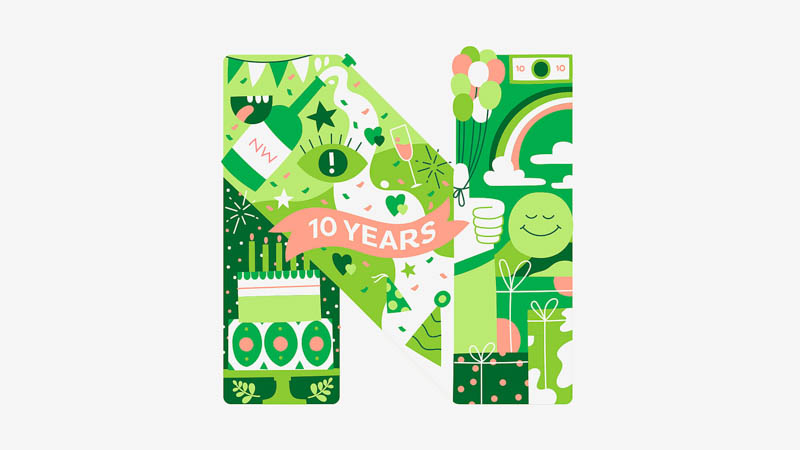
    Greg Gunn — NerdWalletNerdWallet
    Greg Gunn — Window LeanWindow Lean
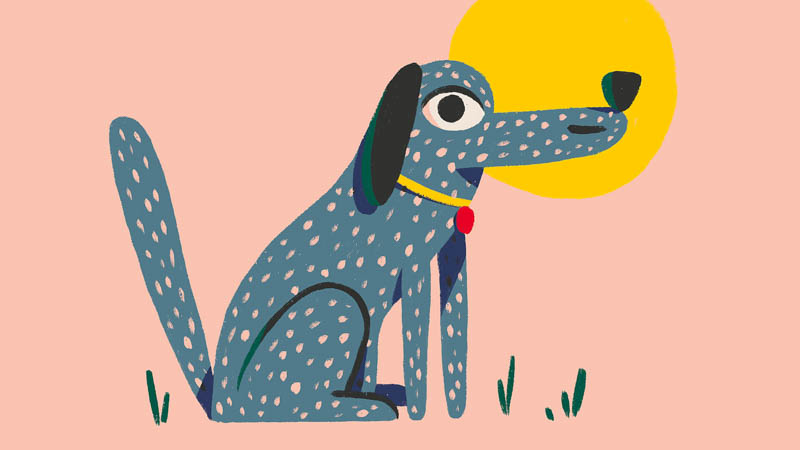
    Greg Gunn — Pink Sun DogPink Sun Dog
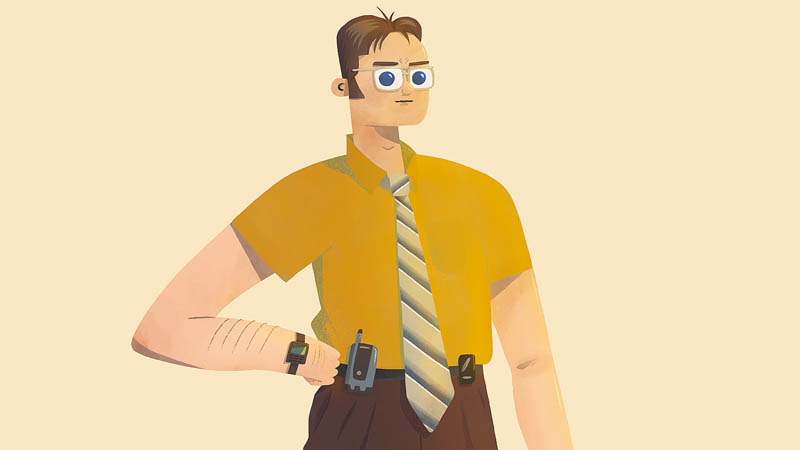
    Greg Gunn — Dwight SchruteDwight Schrute
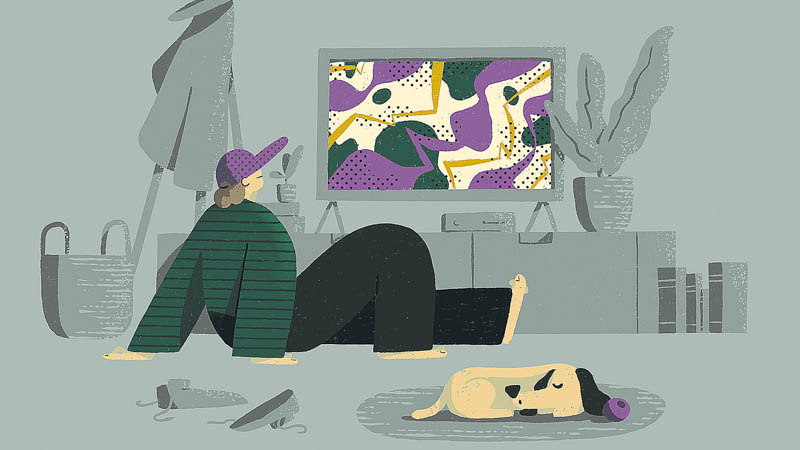
    Greg Gunn — Watching TVWatching TV
    Greg Gunn — Smart PhoneSmart Phone
    There's Only One You — Let it Show!
    Step 01

    There's Only One You — Let it Show!

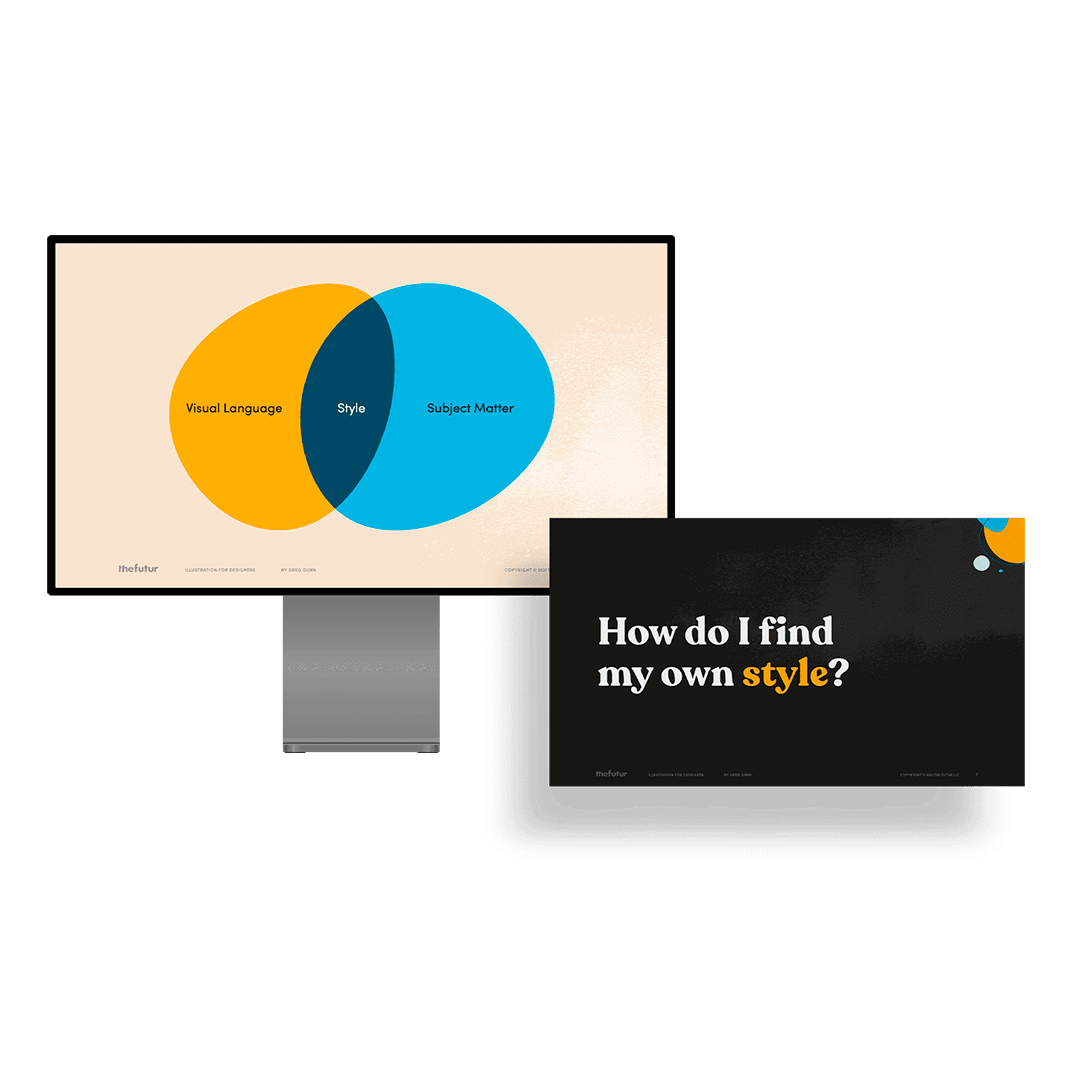
    What's your style? Because what you aren't going to learn is how to replicate someone else's. You have a unique voice, a unique point of view, and unique subject matter — you'll bring your style together so all of that shines.

    All Levels Welcome
    Step 02

    All Levels Welcome

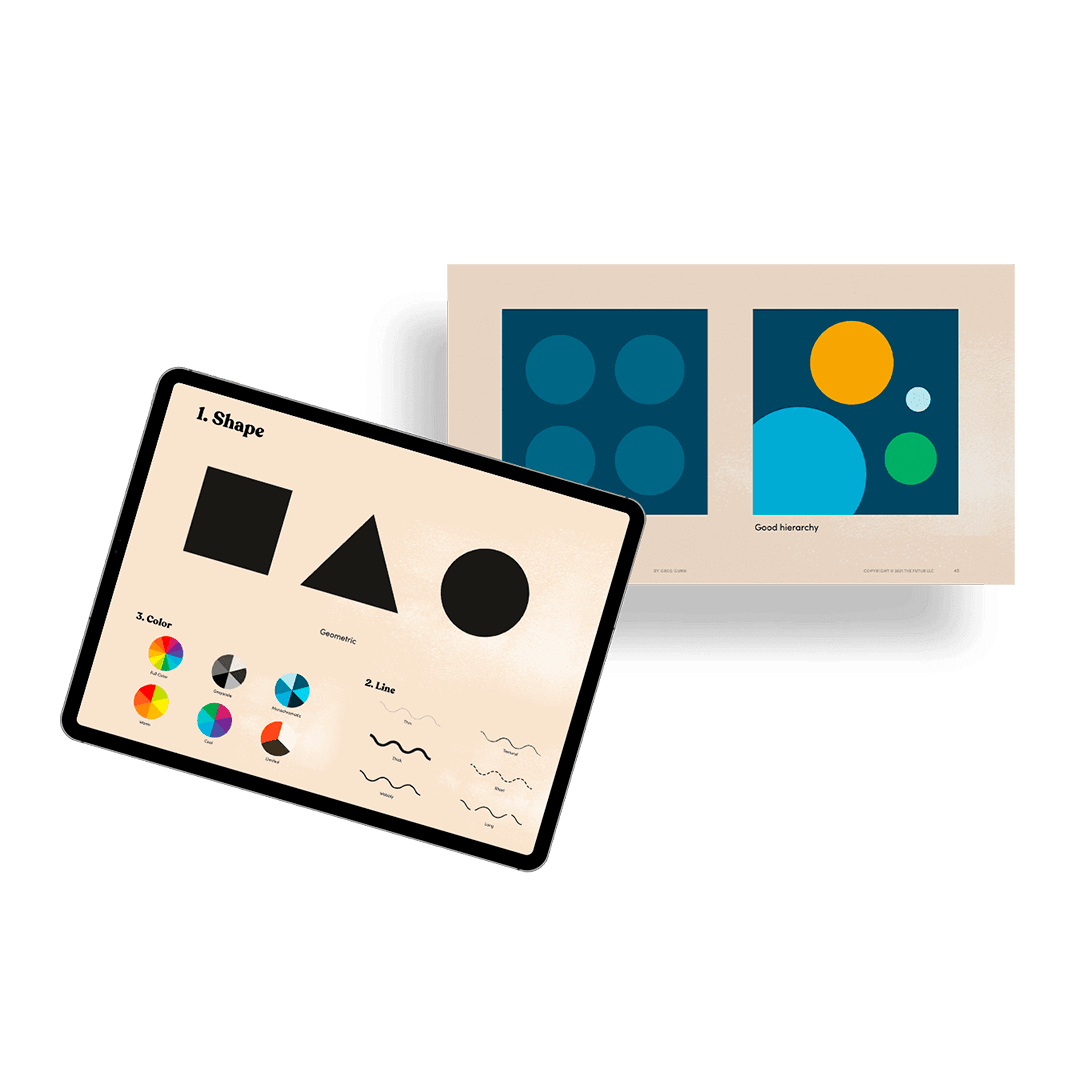
    You will learn some simple tricks to stylize objects in illustrations, building objects using shapes, add details, and work through how design principles work within the illustration world.

    Create Your Own Illustration Project
    Step 03

    Create Your Own Illustration Project

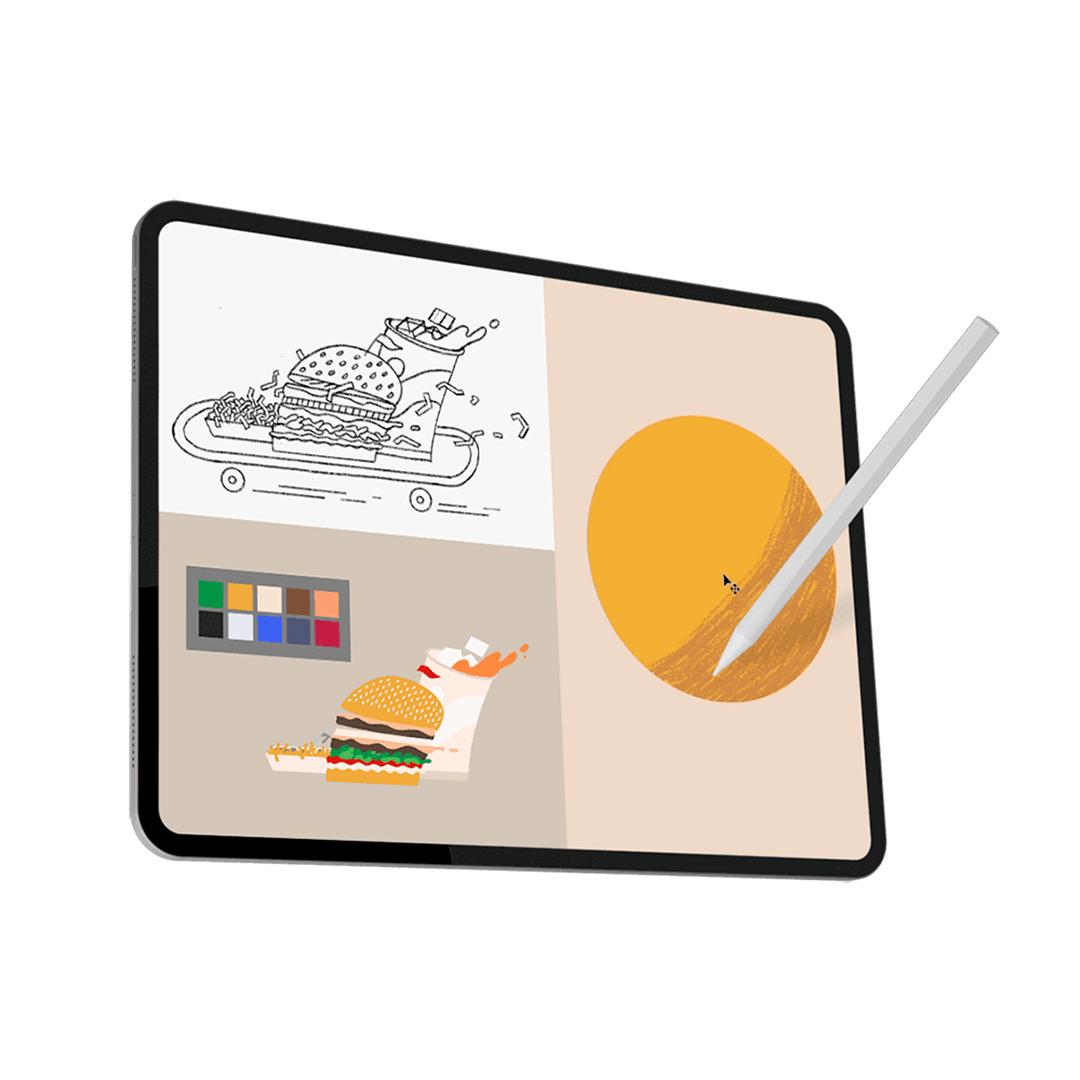
    Working from a creative brief, you will sketch thumbnails, refine your sketch, and add details, color, light, shadow, and textures.

    Ready for more?
    Step 04

    Ready for more?

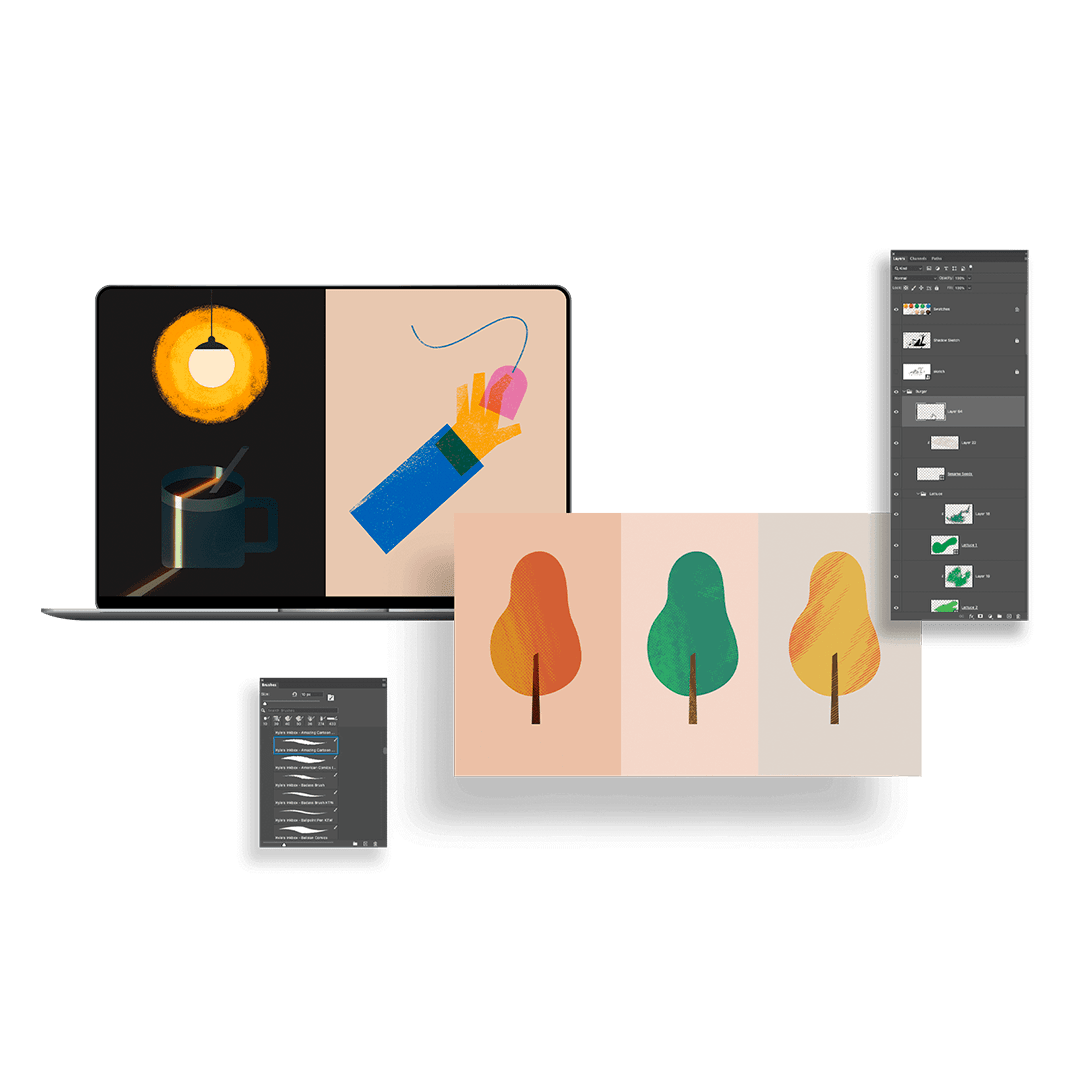
    Learn how to apply lighting tricks, work with techniques such as overprinting, and so much more.

    Beyond Basic Instagram Posting
    Step 05

    Beyond Basic Instagram Posting

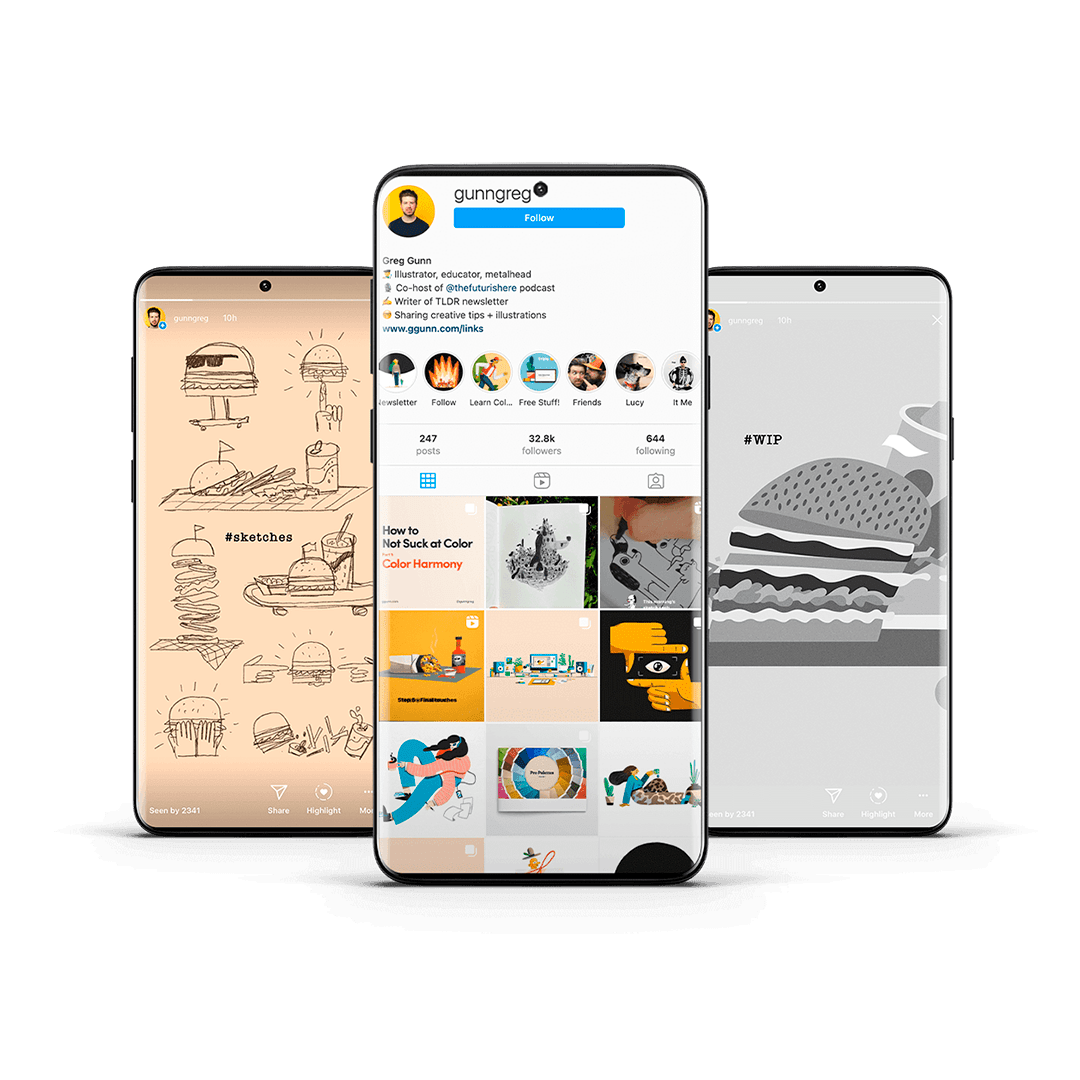
    You have put so much work into your illustration — don't hide it. Learn creative ways to share your work on Instagram. Get the most out of your work and learn Greg's Instagram posting system.

    Beginner to Intermediate

    Access to Adobe Photoshop CC, Adobe Illustrator CC, or Procreate for the iPad. While a graphics tablet is not required, it is recommended.

    If you're interested in visual communication, want to add new services to your creative business, or love drawing, this course is for you.

    Purchase Now — $149 $111.75

    Black Friday: 25% off. Use code BF26 at checkout.

    Get a beginner-friendly introduction to illustration and then dive into your own personal project where you'll develop a brief and get hands-on with the illustration process—from thumbnails and sketching, to adding finishing touches and presenting.

    Watch the video lectures and complete your project at your own pace, on your own time. You'll have lifetime access to the course, so jump back into the content whenever you need a refresher.

    A quick overview of what you'll learn, the tools you'll need, and the difference between design and illustration.

    Introduction

    Bring together your unique visual language and subject matter so your work is like no other.

    Finding Your Style

    Build and stylize objects using simple shapes and tricks—perfect for beginners!

    The Fundamentals

    Create a brief and illustrate your own personal project, including thumbnail development, refining sketches, and adding finishing touches like color, shadows, and texture as well as presenting concepts to clients.

    The Project

    Bring life to your illustrations with techniques such as lighting tricks, glows, underpainting and so much more.

    Tips & Tricks

    Get your hands on Greg's favorite tools, books, and go-to strategies for posting illustrations on Instagram.

    Greg Gunn

    Greg Gunn

    Greg Gunn is an illustrator, animator and creative director in Los Angeles, CA. He loves helping passionate people communicate their big ideas in fun and exciting ways.

    I've always loved to draw, but was never great at making things look real.

    Rather than get discouraged, I decided to embrace my limitations and make that part of my style.

    If you're not the best at drawing, but want to learn how to make your own digital illustrations, then I think you'll enjoy this one. It's not about making things look real. It's about making things look interesting and unique to you.

    By day, I work for The Futur™, a design-education company helping creatives all over the world earn a living doing what they love. My whimsical, vibrant, character-driven work has brought smiles (and more business) to wonderful clients including Disney, Facebook, Microsoft, Starbucks, NerdWallet, and Google.

    READY TO START

    Illustration for Designers

    with Greg Gunn

    $149$111.75

    Black Friday: 25% off. Use code BF26 at checkout.

    WHAT YOU’LL GET

    • 40 video lessons
    • Digital illustration assignment with layered files
    • Color palettes
    • Thumbnail and presentation templates
    • Bonus Videos