
Skip to content
    8 minUpdated November 2026

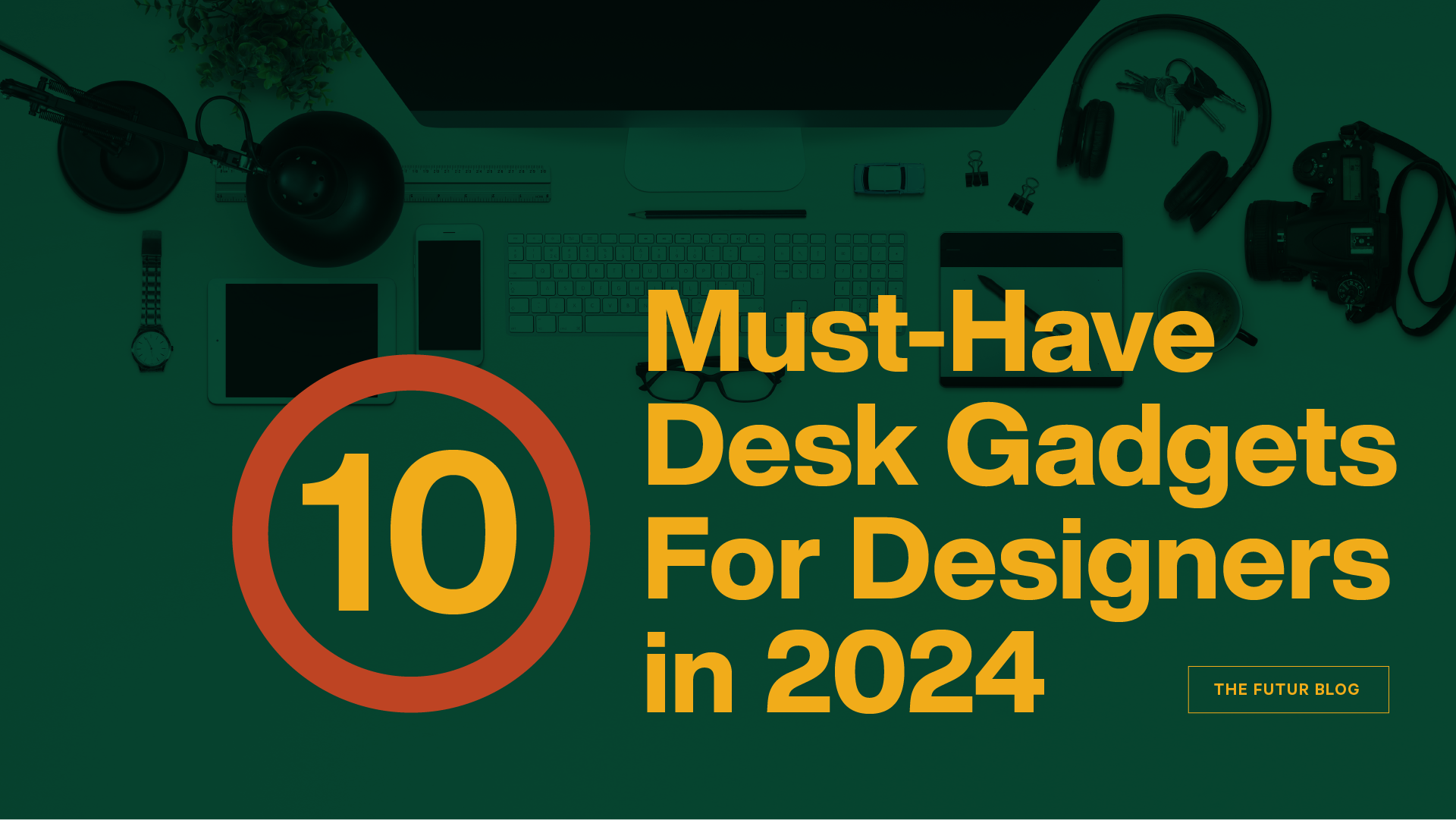
    10 Must-Have Desk Gadgets for Designers

    Our list of desk gadgets for designers: lamps, keyboards, storage, ergonomic gear, microphones, headphones and styluses that make a workspace work.

    10 Must-Have Desk Gadgets for Designers

    Every designer's workstation is half a work of art and half functional space. It doesn’t matter whether your desk area is big or small; the fun is making it your own.

    It makes sense to spruce it up and make it comfortable because, as a creative, you’ll be spending a lot of time there working on projects and thinking up new ideas. There’s the idea that the state of your room is like the state of your mind; our desks might be a better reflection of that. The gadgets you use or accessorize with show your personality and style.

    That’s why we wanted to put together the ultimate list of desk gadgets worth having for designers. Whether you’re a new budding designer, a seasoned pro, or looking for a gift for the designer in your life, these gadgets are both functional and aesthetically pleasing.

    Prices change often, so check each retailer for the current price. Note: The makers of these products do not sponsor us.

    1. Let there be light

    Every designer needs good lighting at their desk to see the beautiful work they’re crafting. We know you have an overhead light, but why not try a desk lamp to liven things up?

    • ‍Ribbed Glass Table Lamp from West Elm: This lamp comes in white, amber, or green. It’s perfect for adding a splash of light and bringing some fun with its curved edges and ribbed texture.‍
    • Riveter Metal Tripod Lamp from All Modern: This modern lamp is perfect for the busy modern designer. Its simple design and elegant structure would make any desk brighter.‍
    • Ranarp Work Lamp from Ikea: The RANARP lamp has a vintage appeal with lots of detail, from steel joints to a striped textile cord. Perfect for designers who need to adjust their lighting depending on their work while still keeping their desks looking cool.

    2. It’s time to type

    Every designer needs a good keyboard. The design of a keyboard plays a crucial role in limiting hand, shoulder, and neck strain. Check out these designs for more support.

    • ‍Kinesis Advantage360 Ergonomic Keyboard: This keyboard is perfect for designers who want ergonomic support. It splits into two halves you can set at shoulder width, with contoured keywells and cushioned palm pads, and you can plug and play with all major operating systems like Windows, Mac, Linux, and Chrome.‍
    • Adobe Premiere Pro CC Silver Slimline Keyboard by LogicKeyboard™: The LogicKeyboard is perfect for controlling Adobe Premiere Pro CC with custom key commands and a color-coded board. You’ll be able to learn the key commands faster. Any designer using Windows would love this.‍
    • POP Keys Mechanical Wireless Keyboard from Logitech: The Logitech POP keyboard can connect with Bluetooth and has a retro feel. It also allows for emoji keys that you can swap out when you want a fun change. It comes in yellow, pink, purple, grey, and mint.

    3. Take out the trash

    Every desk setup needs a garbage can for all of those pesky paper bits and snack wrappers you need to throw away. Keep your desk clean and tidy with these options.

    • ‍Brabantia Newlcon Step On Trash Can: This trash can comes in a variety of colors and sports a convenient step-on mechanism, so you don’t have to lift the lid with your hands. It gives a modern look and a pop of color to your workspace.‍
    • Yamazaki Rin Round Trash Can: This sleek, stylish trash can is made of steel with a removable-grained wood walnut top. Take the trash out in style and keep your space spotless.‍
    • Brabantia Bo Touch Top Multi-Compartment Recycling Trash Can: This multi-compartment trash can can hold up to 9 gallons. It comes in a variety of colors, so there’s sure to be one that will accent your workstation.

    4. A space for all the things

    Yes, we’re talking about storage options. In a creative space, storage is important. As a designer, you’re likely to have rulers, pens, markers, scissors, headphones, tablets, and more. Check out these storage options to keep your space clutter-free.

    • ‍Skadis Wood Pegboard from Ikea: The Skadis wood pegboard is the perfect option for wall storage. It looks cool; you can design the board to fit your things however you like. Hang your headphones, notebooks, pens, and more.‍
    • Arrange Desktop Configuration by Muuto: This organizer was designed by Big-Game and allows the user to interact with it, using and reconfiguring the combination of trays. Inspired by contemporary architecture, it is made in 100% recycled plastic and cork.

    5. Ergonomic necessities

    When you’re working you want to be comfortable and keep healthy. Ergonomic gadgets are the perfect solution. We’ve gathered three options below you might find useful and stylish.

    • ‍Standup Desk from ChalkDown: This adjustable standing desk allows you to prop your laptop, keyboard, or tablet so that you can remain comfortable while working. Sometimes, you need to stretch and stand. This solution offers stability and flexibility.‍
    • Adjustable iPad Stand by Go: This adjustable iPad stand comes in the colors blue, yellow, black, or white. It’s made of 50/50 diecast aluminum and rubber, making it sturdy and easy to use.‍
    • Sculpt Ergonomic Mouse, Designed by Microsoft: This ergonomic mouse, now made by Incase after Microsoft stopped making its own accessories, maximizes wrist comfort while helping you navigate with ease, helping to support hand, wrist, and forearm posture. There’s never a bad time to care about your health.

    6. Weigh down, we go

    If you work with a lot of paper, you might want a paperweight. Keep those papers in place or, at the very least, make them look cool.

    • ‍Kima Design Wooden Cube Paperweight: This paperweight is made from natural materials and doubles as a pencil holder. It’s perfect if you have a natural woodsy theme for your office.‍
    • Smithsonian Blue Mineral Globe Paperweight: If you love to travel and whenever you’re not designing, you’re planning your next getaway, this paperweight is for you. Hand-painted and hand-polished, this paperweight maps the countries of the world, and it’s brought to you by the Smithsonian Museum.‍
    • John Derian Right Eye Paperweight: This paperweight was handmade in New York by John Derian Company and shows a vintage right eye print. The print was cut and collaged onto handblown glass. This piece gives a unique touch to any creative space.

    7. Let’s get loud

    If you’re a designer working with a team, you’ll know how important a good working microphone is. Make sure you’re heard in those virtual meetings with one of these three choices.

    • ‍Yeti Microphone from Logitech G: The Yeti microphone from Logitech works like a charm. It perfectly accompanies your headset, mouse, and keyboard.‍
    • RODE NT-USB Condenser Microphone: This microphone by Rode is compatible with your computer and smartphone. Get ready to sound like you double as a smooth jazz singer when you’re swapping creative ideas with your team.‍
    • The Tula Mic: The Tula Mic is best used when traveling if you need to stay connected, sound great, and don’t want to lug around anything big and clunky. It's a studio-quality USB-C microphone with a built-in noise reducer.

    8. Listen to the sound

    Along with a great microphone, you’ll likely need some headphones to keep background noise away and hear your coworkers during creative jam sessions. Here are three great options for your hearing needs.

    • ‍Apple Airpods Max: These Apple headphones come with active noise cancellation, personalized spacial audio with dynamic head tracking, and up to 20 hours of listening time from a single charge.‍
    • MH40 Wireless Headphones from Master & Dynamic: These headphones are perfect for listening to multiple devices when you want to bounce back and forth from your computer to your phone. They come with Bluetooth, noise cancellation, and up to 30 hours of battery life.‍
    • Sony WH-1000XM6 Headphones: These over-the-ear headphones offer comfortable support with active noise-canceling technology and hands-free calling capabilities. They work with Bluetooth to connect to your phone or other devices.

    9. A holder for the computer in your pocket

    While you’re working, you’ll want to keep your phone protected and out of the way. Having a phone holder for your desk can help keep you less distracted when needed.

    • ‍Bergenes Bamboo Phone Holder: This phone holder from Ikea has a simple wood design.‍
    • EZVALO Wireless Phone Charger: This phone holder acts as a charging station, a touch-activated lamp with 4 levels of light, and a Bluetooth music player. It has everything you need to keep your phone powered up, turn on some focus music, and get to work.‍
    • Belkin 3-in-1 Wireless Phone Charger: This phone holder and charging station allow you to charge multiple devices at once.

    10. Become a digital scribe

    Whether you’re creating stunning lettering, illustrations, or logos, when working on a tablet, laptop, or drawing pad, it's best to have a good stylus pen. All graphic designers need one.

    • ‍Apple Pencil Pro: The Apple Pencil Pro has low latency and pixel-perfect precision. Squeeze it to bring up a tool palette, or roll the barrel to turn a brush or pen tip, so you can keep working without putting the pencil down. Draw, sketch, color, and take notes.‍
    • ZAGG Pro Stylus 2: The ZAGG Pro Stylus 2 really feels like it has everything. From wireless charging, dual-tip, tilt recognition, palm rejection technology, and long battery life, this is the stylus you need when you’re creating stunning visuals at your desk.‍
    • Adonit Mark Stylus: This stylus is smooth, simple, and built to last. Use on any touchscreen for precision, smudge-free movement. This stylus is one of the more budget-friendly options if you’re looking for something that will last but won’t break the bank.

    We hope you loved our designer desk gadget finds. As a team of professional creatives here at The Futur™, we know what it’s like to make your creative space your own so that you can run a successful business.

    Chris Do, Founder and CEO of The Futur

    ABOUT

    Chris Do

    Chris Do is an Emmy award-winning director, designer, strategist, and educator. He's the Founder and CEO of The Futur—an online education platform that teaches the business of design to creative thinkers.

    Enjoyed this? There’s more where it came from.

    Get insights on design, creativity, and visual thinking.

    You can unsubscribe anytime. By submitting, you agree to receive communications and to our Privacy Policy.

    Share